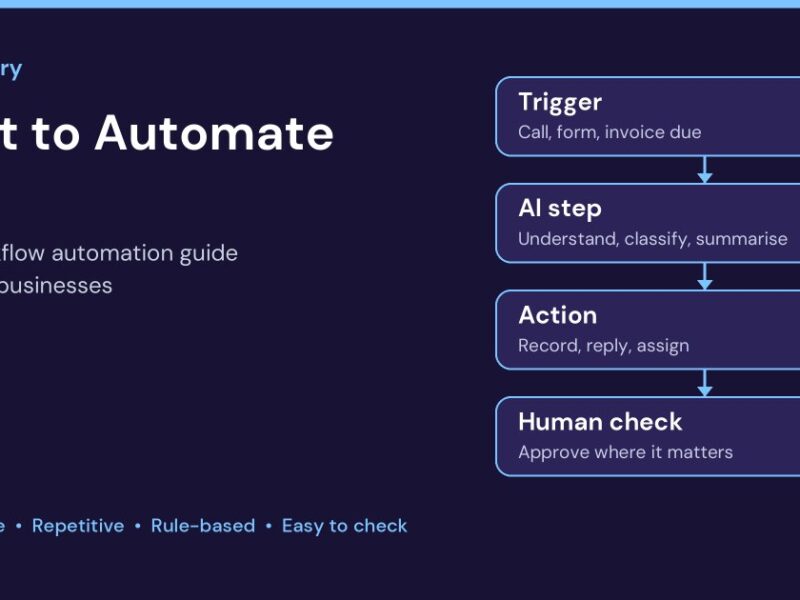
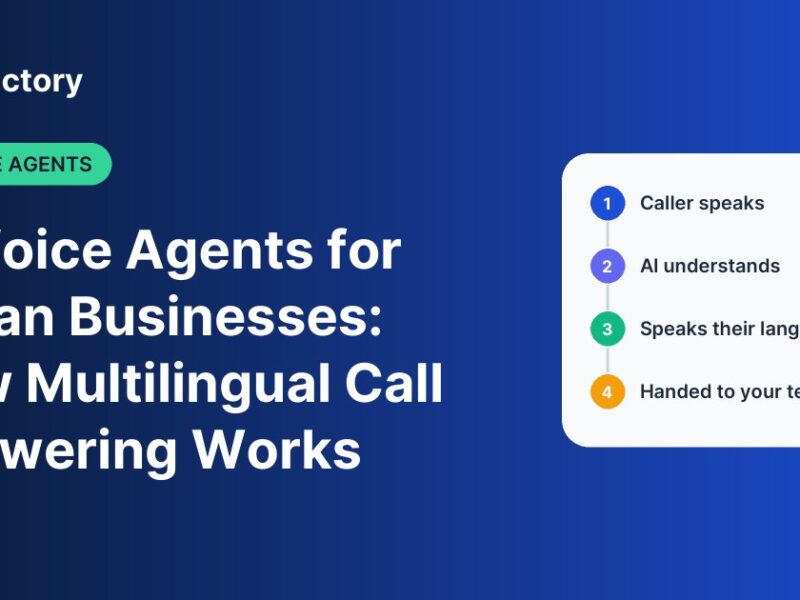
Your team runs sales on one app, billing on Tally or another accounting tool, approvals on WhatsApp and reports in Excel. Someone suggests buying yet another subscription to fix the gaps. Someone else says you should just build your own system. Both sound reasonable, and both can go badly wrong. This guide is for founders, operations heads and IT decision-makers in Indian businesses who are trying to decide between custom software and off-the-shelf (ready-made or SaaS) software. It gives a practical way to decide, the real costs to compare, and a middle path that many growing companies end up choosing. The short answer: custom or off-the-shelf? Choose off-the-shelf software when your process is standard for your industry, you need to go live quickly and a ready product already covers most of what you need. Choose custom software when the process is what makes your business different, when ready-made tools force your team into workarounds, or when you need several systems to work together in a way no single product offers. Many Indian businesses do best with a hybrid: ready-made tools for standard work, plus custom integrations, automations or modules for the parts that are unique to them. What each option actually means Off-the-shelf software is a ready product sold to many businesses, usually on a monthly or yearly subscription per user. Accounting software, a standard CRM, a payroll tool or an HR app are typical examples. You adapt your process to the product. Custom software is built for your business, around your workflows, approval rules and data. You own how it works, and it can change as your business changes. You adapt the product to your process. Side-by-side comparison Factor Off-the-shelf Custom Time to go live Days to weeks Weeks to months, depending on scope Upfront cost Low; mostly subscription Higher; design and development Ongoing cost Per-user fees that grow with your team Hosting, support and enhancements Fit to your process You adjust to the product Built around how you work Integrations Limited to what the vendor supports Connect to the systems you already use Control of roadmap Vendor decides features You decide priorities Language and local needs Depends on the vendor Can be built for your users and customers Risk Vendor price changes or product changes Poor scoping or the wrong development partner Six questions to decide 1. Is this process standard or is it your advantage? Payroll, GST-compliant invoicing and basic accounting work much the same across most companies. There is little reason to build them. But the way a real estate developer manages channel partners, the way a hospital coordinates patient follow-ups, or the way an education group handles admissions across campuses can be what sets that business apart. Those are candidates for custom work. 2. How many workarounds is your team running today? If staff export data from one tool, fix it in Excel and upload it into another every week, or approvals happen in WhatsApp groups because the software cannot handle your rules, you are already paying for the gap in staff time. Count those hours honestly. 3. Do your systems need to talk to each other? Many Indian businesses end up with five or six tools that do not share data: CRM, accounting, payment gateway, HR, a WhatsApp or SMS provider and spreadsheets. Integration is often the strongest case for custom development, even when you keep the ready-made tools. 4. What will the subscription cost when you are twice the size? Per-user pricing looks small for a 10-person team. Work out what it costs for your planned team in three years, including add-ons and premium tiers, and compare that with the cost of building and maintaining a custom system over the same period. 5. Who needs to use it, and in which language? Field staff, telecallers and branch teams may be more comfortable in Tamil, Hindi, Telugu or Kannada than in English. Customers may call in their own language. Check whether a ready product supports your users before assuming it will be adopted. 6. Where does your data live and who controls it? With the Digital Personal Data Protection Act, 2023 in place, Indian businesses need to know what personal data they hold, why and where. With a SaaS product, check the vendor’s data handling and export options. With custom software, make sure security, access control and data handling are part of the brief from day one. The hybrid approach most growing businesses use The choice is rarely all or nothing. A common, sensible pattern is: Keep ready-made tools for standard functions such as accounting and payroll. Use purpose-built products for core jobs like lead management or call answering. Build custom integrations, workflow automations, dashboards or modules for the parts that are unique to your business. This keeps upfront cost lower than a full custom build while removing the manual re-entry and workarounds that slow teams down. If you are not sure where to start, our guide on what to automate first walks through how to pick the first workflow. Real costs to compare Exact prices depend entirely on scope, so be wary of anyone quoting a fixed figure before understanding your process. When you compare options, list these costs over three years: Off-the-shelf: per-user subscription, add-ons, implementation or setup fees, training, data migration, and staff time lost to workarounds. Custom: discovery and design, development, testing, hosting, ongoing support, and future enhancements. The cheaper option in year one is not always the cheaper option in year three. Warning signs on either side Do not go custom if you cannot clearly describe the process you want to build, a ready product already covers 90 percent of it, or nobody in the business has time to work with the development team on requirements and testing. Do not stay off-the-shelf if your team spends hours every week moving data between tools, the product forces you to change a process customers value, or the subscription is growing faster than the value you get from it. How to