
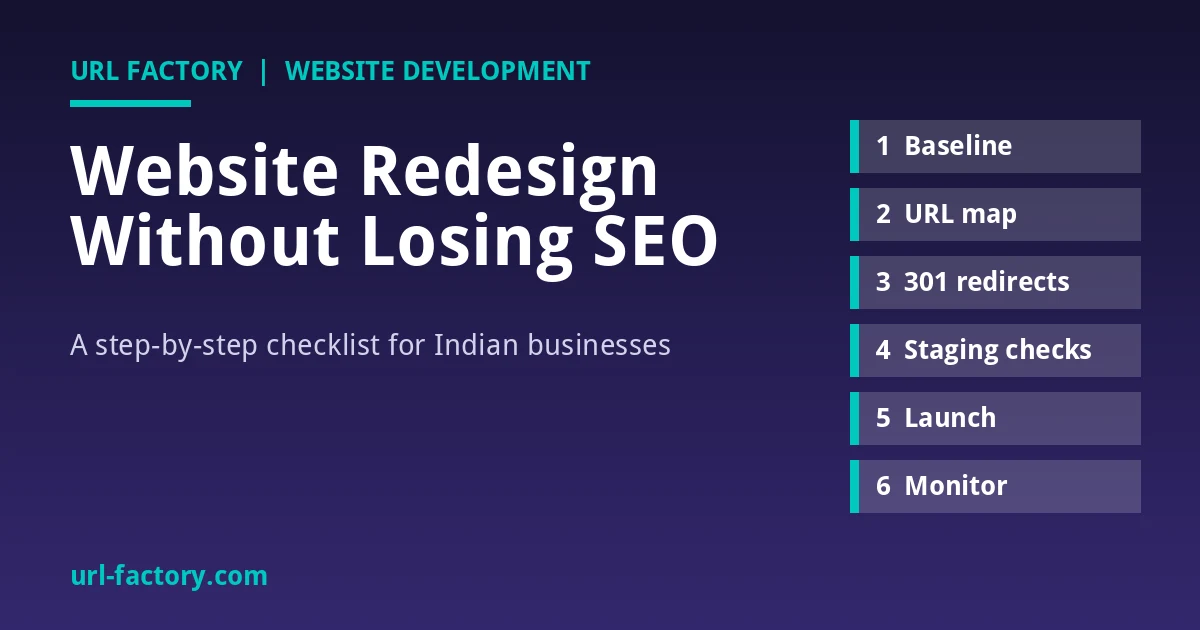
A new website is supposed to bring in more enquiries. Yet many Indian businesses launch a fresh design and watch their Google traffic, calls and form leads drop for months. The design is rarely the problem. The damage usually comes from what happened to the old URLs, the old content and a few technical settings during the move.
This guide walks through a practical website redesign checklist: what to record before you start, how to handle URLs and redirects, what to check on launch day, and what to watch in the weeks after. It is written for business owners and marketing heads who are planning a redesign, whether you build it in-house or with an agency.
Can you redesign a website without losing SEO?
Yes. A redesign does not have to cost you rankings if every old URL that still has value either stays the same or is permanently redirected (301) to the most relevant new page, the content that ranked is kept or improved, and the new site is not accidentally blocked from search engines. Google’s own guidance on site moves says to expect some temporary fluctuation in rankings while it processes the changes, so a short dip can be normal. A long or deep drop usually points to a mistake you can find and fix.
Why redesigns lose traffic
These are the problems we see most often after a relaunch:
- URLs changed without redirects. The old page that ranked for “interior designers in Coimbatore” now returns a 404 error, and Google has nothing to replace it with.
- Content was cut to make the design look clean. Service pages that had 800 useful words are reduced to a heading, an icon and two lines.
- The staging site’s “noindex” setting went live. In WordPress this is the “Discourage search engines from indexing this site” checkbox, and it is easy to forget.
- robots.txt blocks the new site, or blocks the CSS and JavaScript Google needs to render pages.
- Page titles and meta descriptions were reset to defaults such as “Home” or the company name.
- Internal links were lost, so important pages now sit several clicks deep or are linked from nowhere.
- The new design is slower, especially on mobile data, because of large images, sliders and heavy page builder widgets.
- Enquiry tracking broke. Forms, click-to-call and WhatsApp buttons work, but no one is measuring them, so a drop in leads goes unnoticed.
Step 1: Record a baseline before you touch anything
You cannot tell whether the redesign helped or hurt without a “before” picture. Save these at least a few weeks before launch:
- Google Search Console: export the top pages and top queries for the last 3 to 6 months, with clicks and impressions.
- Google Analytics 4: organic sessions by landing page and your key conversions, such as form submissions, calls and WhatsApp clicks.
- A full list of URLs: crawl the current site with a crawler tool, and add URLs from your XML sitemap and Search Console so you do not miss pages that are not linked in the menu.
- Pages with backlinks: note which pages other websites link to. These must not break.
- Page speed: record Core Web Vitals for your main templates from PageSpeed Insights or Search Console.
Step 2: Decide what happens to every existing page
Put every old URL in a spreadsheet and give it one of four outcomes:
| Decision | When to use it | What to do |
|---|---|---|
| Keep | Page ranks, gets traffic or brings enquiries | Keep the same URL if you can. Carry over or improve the content. |
| Merge | Several thin pages cover the same topic | Combine into one stronger page and 301 redirect the others to it. |
| Move | The URL structure is changing (for example /services/seo.html to /seo-services/) | 301 redirect old URL to new URL, one to one. |
| Remove | Outdated page with no traffic, links or business value | Redirect to the closest relevant page if one exists. Otherwise let it return 404 or 410. Do not send everything to the home page. |
The simplest way to protect rankings is to keep URLs unchanged wherever possible. Change a URL only when there is a real reason, such as a messy structure or a rebrand.
Step 3: Set up redirects properly
Google recommends permanent server-side redirects (301 or 308) when URLs change, and advises keeping them in place for as long as possible, generally at least one year. A few rules make redirects work well:
- Redirect each old URL to its closest equivalent, not to the home page.
- Avoid chains. Old URL should go straight to the final URL, not through two or three hops.
- Include common variations such as http and https, www and non-www, and trailing slashes.
- Update internal links to point directly at the new URLs rather than relying on redirects.
If you are also changing your domain name, for example moving from a .co.in to a .com, Google’s Change of Address tool in Search Console is used for domain moves. It is not needed when only the design or page paths change on the same domain.
Step 4: Build and test on a staging site
Build the new site on a staging copy that is password-protected or set to noindex, so Google does not index a half-finished duplicate. Before launch, check on staging:
- Content parity: every “keep” page has its important content, headings and FAQs.
- Titles and meta descriptions carried over or rewritten, one unique pair per page.
- One clear H1 per page and a logical heading structure.
- Canonical tags point to the live domain, not the staging address.
- Structured data such as Organization, LocalBusiness or FAQ markup is still present where you used it.
- Images are compressed, sized correctly and have descriptive alt text.
- Mobile layout works on real phones, not only in a desktop browser preview.
- Speed: Google’s Core Web Vitals use these “good” thresholds: Largest Contentful Paint within 2.5 seconds, Interaction to Next Paint of 200 milliseconds or less, and Cumulative Layout Shift of 0.1 or less.
- Every enquiry path: contact forms, click-to-call, WhatsApp chat buttons and booking links all work and are tracked as conversions.
Step 5: Launch day checklist
- Remove the noindex setting and staging password.
- Check robots.txt allows crawling of the site and its CSS and JavaScript.
- Switch on the redirects and test a sample of old URLs, especially your top pages and pages with backlinks.
- Submit the new XML sitemap in Search Console.
- Use the URL Inspection tool in Search Console on your most important pages.
- Submit a test enquiry through every form and confirm it reaches your inbox or CRM.
- Update the website link on your Google Business Profile, social profiles and directory listings if any URLs changed.
Step 6: Monitor for the next 4 to 8 weeks
Google notes that it can take a few weeks or more for new URLs to replace old ones in search, depending on site size. During that time, compare against your baseline every week:
- Search Console Pages report: watch for a rise in “Not found (404)” or “Excluded by noindex” pages.
- Top pages and queries: if a page that used to rank has dropped sharply, check its redirect, content and title first.
- Organic enquiries in GA4 and your CRM: traffic can recover while leads do not, which usually means a form or call-to-action problem.
- Server logs or a crawler: look for redirect chains or loops.
Redesign or refresh? A quick way to decide
| Situation | Likely answer |
|---|---|
| Site ranks well but looks dated | Refresh the design and keep URLs and content structure. |
| Slow, hard to update, not mobile-friendly | Rebuild, with a full URL map and redirects. |
| Services or brand have changed | Redesign with new pages, and redirect old service pages to their closest match. |
| Traffic is fine but enquiries are low | Fix calls-to-action, forms and page content before a full redesign. |
If your current site gets visitors but few enquiries, our guide on planning a business website that generates enquiries covers what to change on the page itself.
How URL Factory handles website redesigns
URL Factory started as a website development company, and we still design and build professional, high-performance websites for growing Indian businesses, with SEO and conversions planned from the start. For a redesign, that means a URL map and redirect plan before the first page is designed, content carried over or improved rather than cut, and enquiry tracking tested before launch. Website forms can feed leads straight into ZeaCRM so every new enquiry gets a follow-up. You can see examples of our work in our website portfolio, and if you need something beyond a website, our custom software development team can help.
Frequently asked questions
Will my Google rankings drop after a website redesign?
A short, temporary fluctuation is normal while Google processes the changes. If you keep valuable URLs, redirect changed ones with 301s and keep the content that ranked, rankings usually settle. A sharp drop that lasts more than a few weeks usually points to missing redirects, removed content or a noindex setting.
How long should I keep 301 redirects after a redesign?
Google advises keeping them for as long as possible, generally at least one year. Many businesses simply keep them permanently.
Should I redirect all old pages to the home page?
No. Redirect each old page to its closest relevant new page. Pages with no equivalent and no value can return a 404 or 410.
Do I need to use the Change of Address tool?
Only if you are moving to a new domain or subdomain. It is not needed for a redesign on the same domain, an http to https move or changes to page paths.
How long does it take for SEO to recover after a redesign?
It depends on the size of the site and how much changed. Google notes that new URLs can take a few weeks or more to replace old ones for a medium-sized site. Track your baseline for at least 4 to 8 weeks after launch.
What is the most common SEO mistake in a redesign?
Changing URLs without setting up redirects, closely followed by forgetting to remove the staging site’s noindex setting at launch.
Planning a new website?
Talk to URL Factory before you start the redesign. We will help you keep the rankings you have earned and build a site that brings in more enquiries. Contact Us.
Sources: Google Search Central, Site moves with URL changes; web.dev, Web Vitals.